
Edges
View hair, labels, logos, and signatures at full size. Halos are easier to see on a dark background.
Add up to 20 JPG, PNG, or WebP files. Background removal runs on this device, and each result downloads as a transparent PNG.
Private batch workspace
Choose PNG, JPG, or WebP files to remove their backgrounds in one run.
Advertisement
These are published input and output files, not mockups. The lab page lists measurements and visible defects.

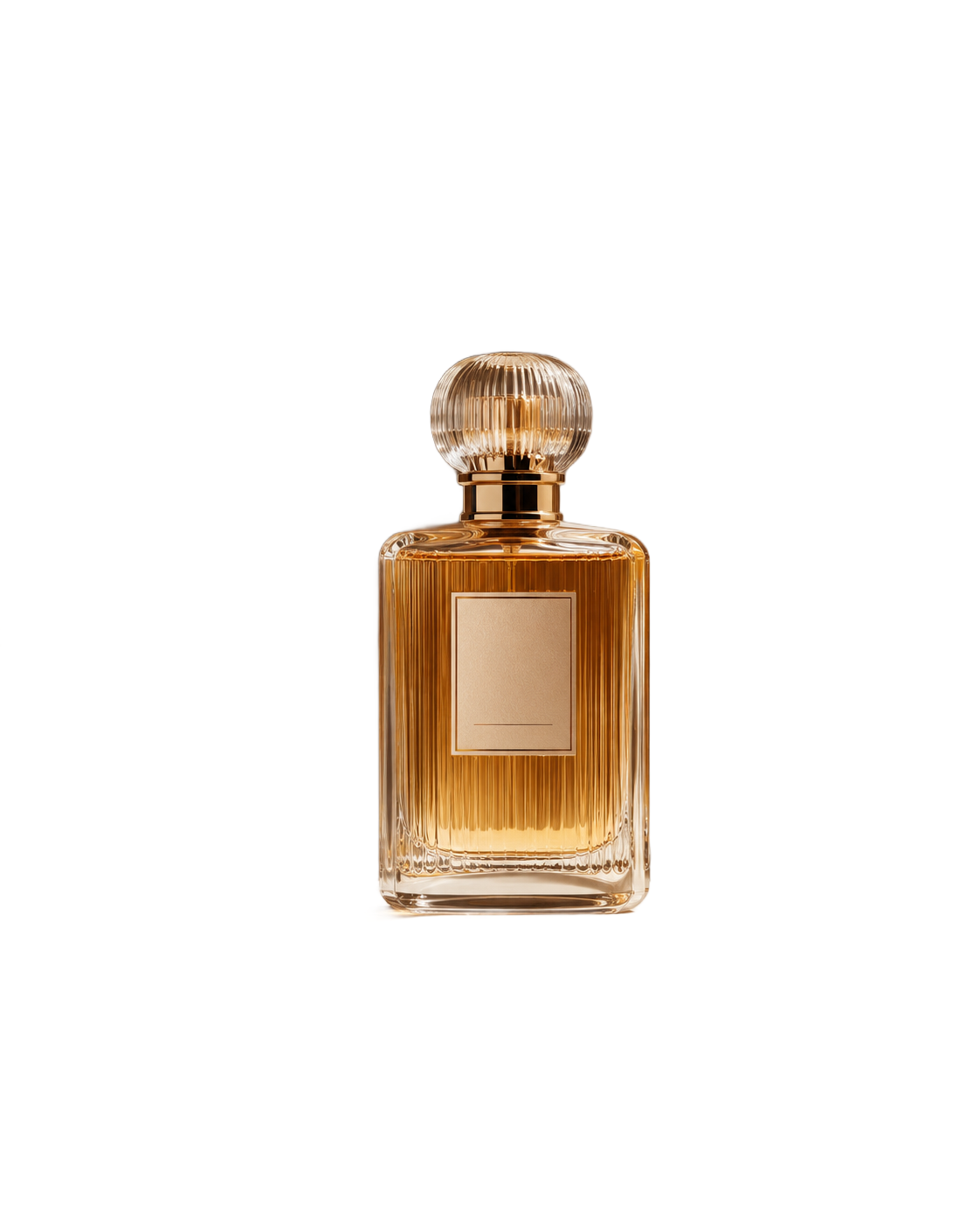
Hover or tap the image to compare
No account, fee, or watermark.
The model runs in your browser. Images are not sent to QuickBGCut.
Queue up to 20 images and process them one at a time.
Download one result or save the finished batch as a ZIP.
Use the downloaded PNG in product listings, profile images, website layouts, or documents. The transparent area shows whatever sits behind the image.
Results depend on the source. Hair, glass, shadows, and low-contrast edges often need a closer check or some manual cleanup.
A checkerboard preview can hide edge problems. Test the PNG where it will actually appear.
View hair, labels, logos, and signatures at full size. Halos are easier to see on a dark background.
The first run downloads the model. Later images in the same tab usually start sooner.
Keep the full-size transparent PNG, then make smaller copies for each use.
Processing stays in this browser tab, which is useful for signatures, faces, and unpublished products.
Both comments came from people using the tool for a specific image task. One mentioned an urgent cleanup; the other used it for an icon.
“My friend said it was very useful and solved an urgent need.”
Yiji Guo
Fujian, Jun 24
Urgent photo cleanup
“Very useful. The cutout is clean. It is great for removing icon backgrounds. It takes about a minute, but the result is worth it.”
family business
Hunan, 6 days ago
Icon and logo cutout
Prepare product cutouts for catalogs and marketplaces.
Make profile images and reusable post assets.
Separate a subject before arranging a layout.
Place signatures and portraits on clean document backgrounds.
These notes explain source quality, PNG transparency, and the edge problems worth checking.
Add up to 20 JPG, PNG, or WebP files. Background removal runs on this device, and each result downloads as a transparent PNG.
Remove Background